CORTEGA · RESEARCH REPORT

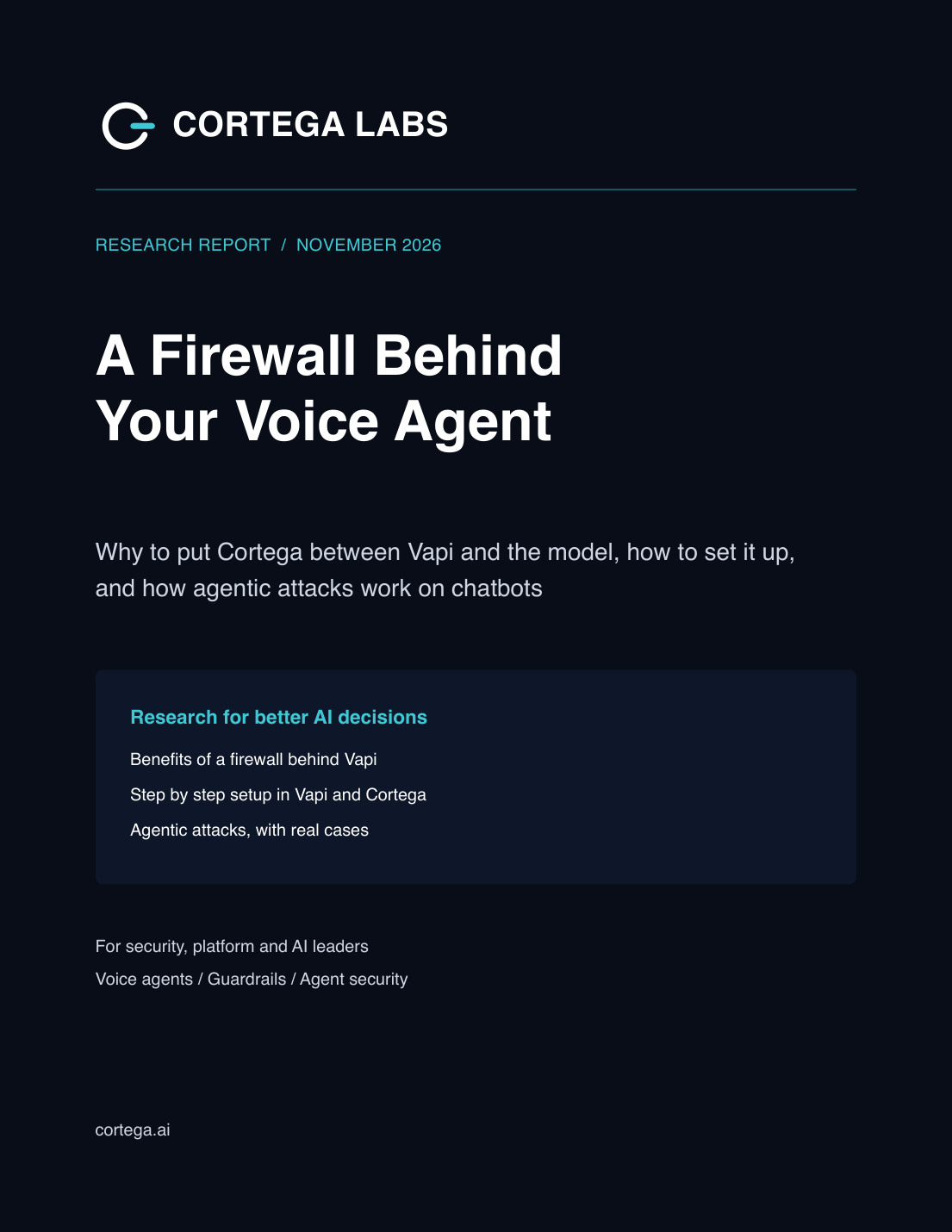
A firewall behind your voice agent

Why to put Cortega between Vapi and the model, the setup steps in Vapi and Cortega, and how agentic attacks on chatbots work, with public cases.

securityagentsgovernance
Download the report ↓

One confirmed business email. Access to the entire library.

Cover of A firewall behind your voice agentIdeas to put into practice.

INSIDE THE REPORT

Take a closer look.

↗

Point the Vapi Custom LLM option at the Cortega gateway so every turn is checked before it is spoken.

↗

Use reply mode so a blocked turn is spoken as a refusal and the call continues.

↗

Test with reworded and long pressure conversations, and count wrongful refusals next to blocked attacks.

KEEP EXPLORING

The full library. Yours to explore.

Confirm once. Download every report.

ONE EMAIL. EVERY REPORT.

A library you can come back to.

Confirm your business email once and explore every research report, including new additions.

YOUR CORTEGA LIBRARY

One email.
The whole library.

Confirm your business email to download this report and unlock every report in the library.

We’ll email a six-digit code. No password required.

Your email verifies library access. Optional names are stored with your verified access record. Privacy policy